GNOME Display Refresh Rate Indicator
I love HFR (high frame rate) video, or rather, I find 24–30 fps to just be unpleasant. I know this is a controversial opinion: many film purists find that HFR is a terrible idea, and that 24 fps is the best frame rate that ever was. The argument against HFR is often that “it looks like a soap opera / telenovela”, and indeed, soap operas were transmitted in splendid 50/60 fps analogue video. I believe that the disdain for HFR comes from the fact that soap operas are not considered high art, and therefore copying any aspect of their presentation is distasteful, even if it is technically better. To my eye, 24–30 fps video just looks choppy, whereas HFR lets me lose myself in the content better. Frame rate interpolation is even more hated than native HFR. Yes, frame rate interpolation is really hard to do perfectly, and it does tend to add many artefacts in complex scenes. But you know what? It is still better than 24 fps choppiness, IMO.
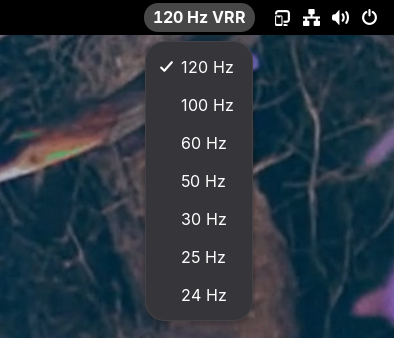
Most modern TVs have very efficient (if rather low-quality) hardware frame rate interpolation. But for it to work, the playback device’s refresh rate must match the content’s frame rate. This project is thus a GNOME extension that lets you very quickly change your PC’s refresh rate, with a menu in the top bar:
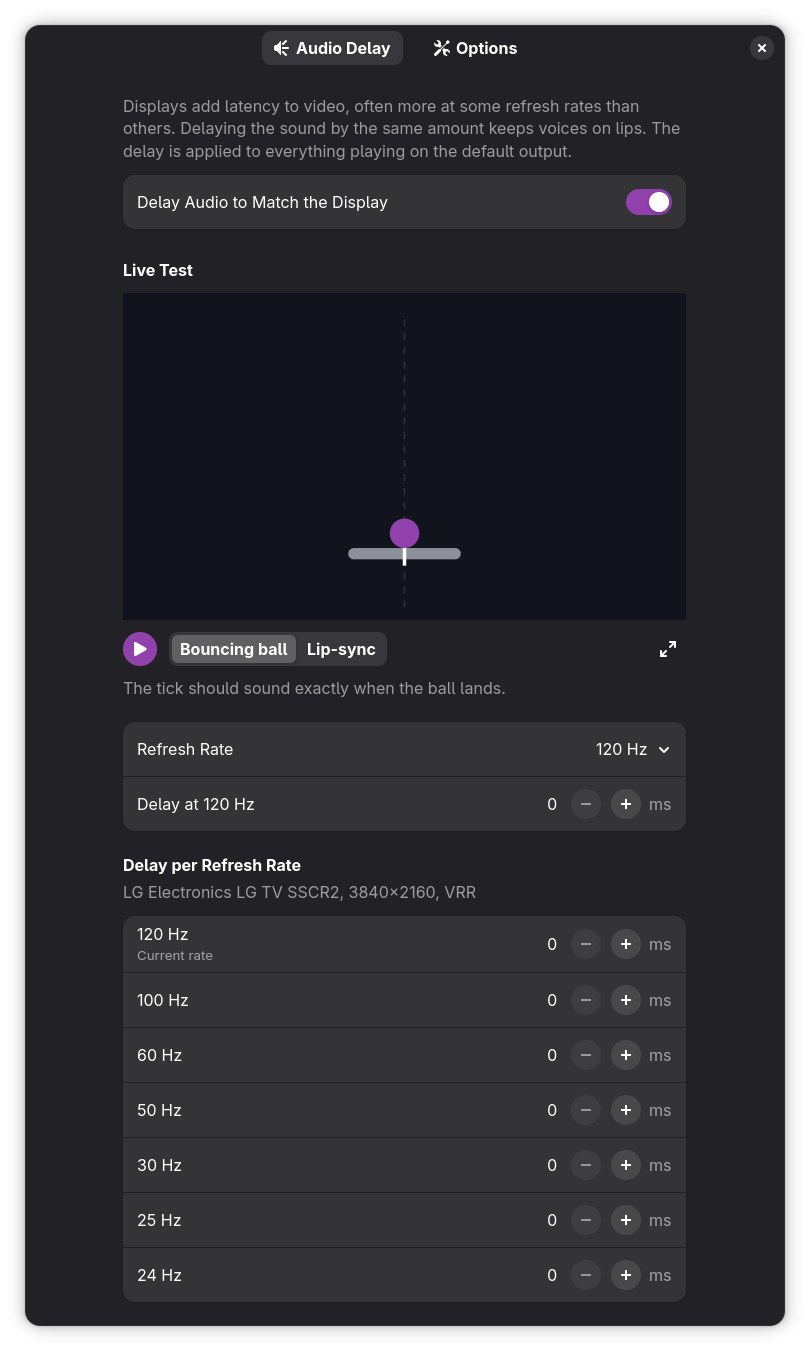
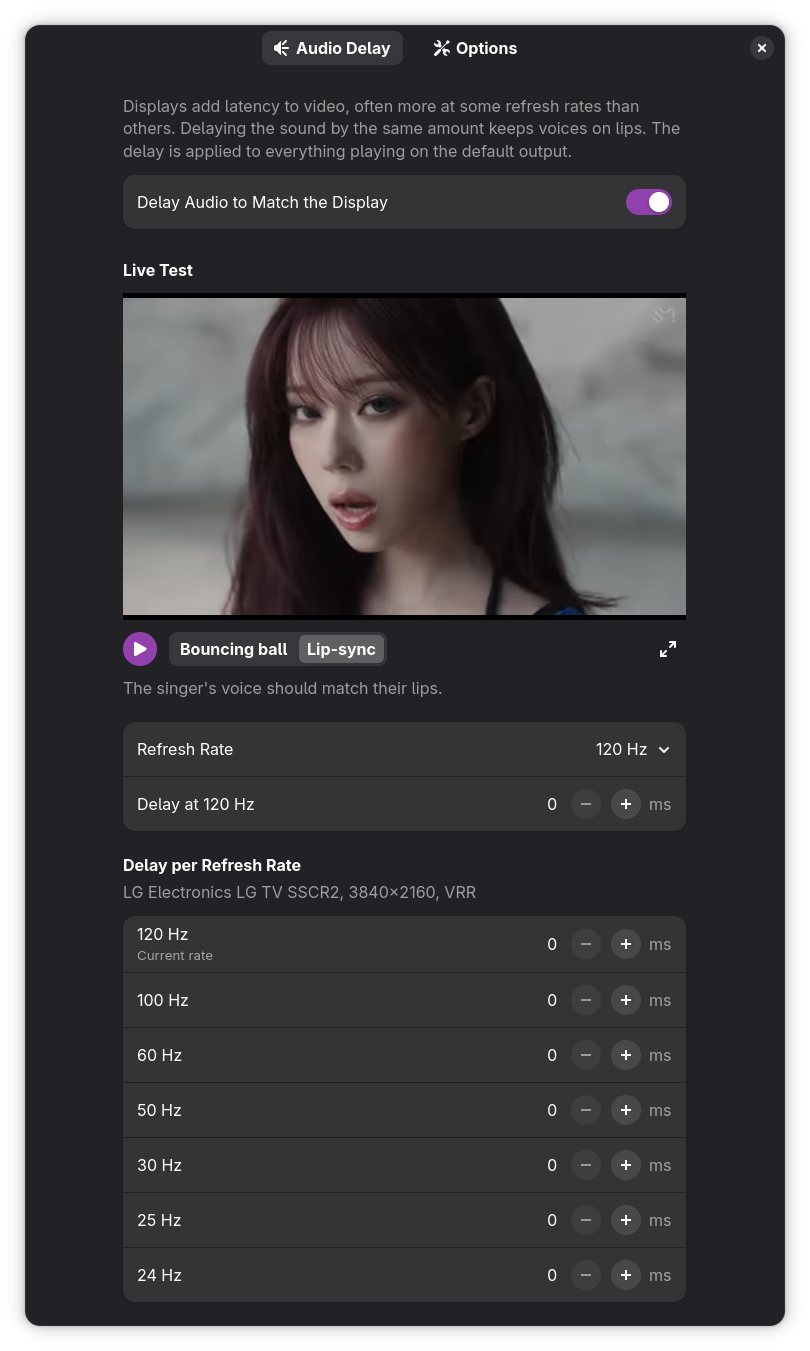
Since setting the TV to a low refresh rate tends to add a bunch of video latency (especially when effects like frame interpolation are active), this extension can also delay audio to keep the two in sync. A full GUI in the extension’s settings screen allows you to set the audio delay per refresh rate, per screen. It even has demo content to test things directly in the settings panel:
 |
 |
Check it out on GNOME Extensions!